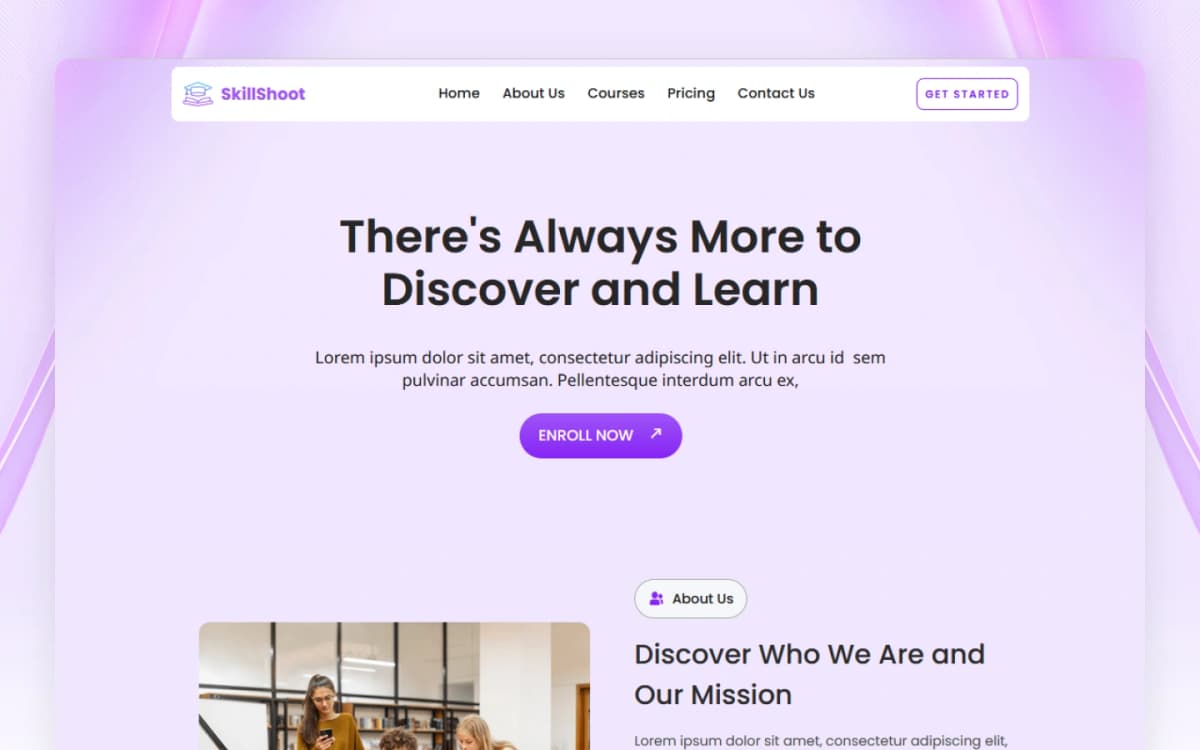
WEBFLOW MIGRATION

HTML to Webflow: Turn Your Static Code into a Dynamic Website

Convert your HTML website to Webflow and keep the same design. We make your site easier to update, manage, and grow - without needing to edit code.

Why Move from HTML to Webflow?

  • No More Coding for Small Changes Once we move your site to Webflow, you can edit text, images, and links visually. If you can use a Word document, you can manage your new Webflow site.
  • Powerful CMS (Content Management) On a static HTML site, adding a new blog post or portfolio item means creating a new file. In Webflow, we set up a CMS where you just fill out a form, and the page is created automatically.
  • Better Hosting & Security Stop dealing with old-school FTP servers. Webflow provides world-class hosting that is faster and more secure than traditional shared hosting.
  • Faster Development for New Features Want to add a new section or a slider? In raw HTML, this takes hours of coding. In Webflow, we can build and launch new features in a fraction of the time.

What’s included in our HTML Migration?

  • Clean Code Rebuild: We don’t just "import" the code; we rebuild it using Webflow’s best practices so it’s clean and fast.
  • SEO Continuity: We make sure your URLs stay the same or are correctly redirected so you don't lose any Google traffic.
  • Form Integration: We turn your old HTML forms into functional Webflow forms that send data straight to your email or CRM.
  • Responsive Optimization: We ensure your old design is fully updated to look perfect on modern smartphones and tablets.

Ready to ditch the code and start editing visually?

Let’s modernize your static site and make it work for you, not against you.

Convert to Webflow

Creative Template

Discover high-quality templates for Webflow, Framer, HTML, and other leading website builders.
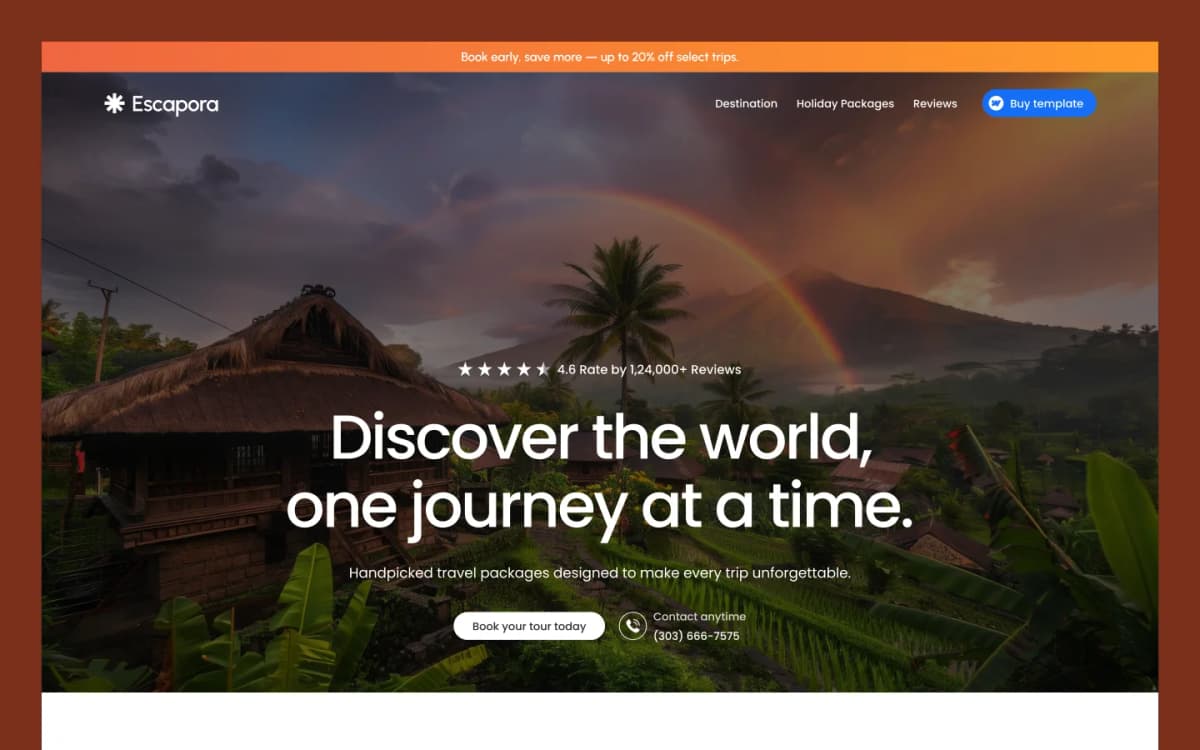
View Template

Frequently Asked Questions

Yes. We can rebuild your existing HTML and CSS website in Webflow while keeping the same design, layout, content, and overall look and feel.

Yes. We aim to keep your existing design and user experience while rebuilding the website using clean Webflow structure and best practices.

Yes. After the migration, you can edit text, images, links, and other content directly in Webflow without needing to edit HTML or CSS code.

Yes. We can set up Webflow CMS for blogs, portfolios, case studies, products, and other dynamic content so you can easily add and manage new items.

We take care of important SEO settings such as page URLs, meta titles, meta descriptions, redirects, headings, and other on-page SEO elements to help maintain your existing search visibility.

Yes. We can rebuild your existing HTML forms as Webflow forms and connect them to your email or supported CRM and automation tools.

Yes. We make sure your Webflow website is responsive and works properly on smartphones, tablets, laptops, and desktop screens.

The time depends on the size and complexity of your website. A small website can usually be migrated faster, while larger websites with CMS content, forms, and custom features may take more time.

Yes. We can show you how to update your website, manage CMS content, edit pages, change images, and make basic content updates in Webflow.
Contact Us

Need help with your site?

Your subscription could not be saved. Please try again.
Your subscription has been successful.