WEBFLOW MIGRATION

Joomla to Webflow: Modernize Your Website with Ease

Move your Joomla website to Webflow with ease. We handle the migration, SEO redirects, content, and design to give you a modern, fast, and easy-to-manage website.

Why Move from Joomla to Webflow?

  • No More "Admin Confusion" The Joomla backend can be overwhelming with too many menus and complicated settings. Webflow’s "Editor" is simple—you just click on the text you want to change and type. It’s as easy as editing a social media profile.
  • Faster & Cleaner Code Joomla sites often feel "heavy" and slow because of old code and too many extensions. Webflow is built for speed. Clean code means faster load times, better Google rankings, and a better experience for your visitors.
  • Built-in Security Joomla requires frequent updates to the core system and its extensions to stay safe from hackers. Webflow handles all of this for you. No more security patches, no more "broken" updates—just a secure site 24/7.
  • True Design Freedom Joomla relies heavily on templates that are hard to customize. In Webflow, we build a custom design specifically for your brand. Your site won't look like everyone else's; it will look like yours.

What We Do for Your Migration

  • Safe Data Migration: We carefully move your articles, categories, and users from Joomla into the Webflow CMS.
  • SEO Protection: We set up proper 301 redirects so your old Joomla links don't break, keeping your Google rankings safe.
  • Feature Rebuild: If you have specific features in Joomla (like directories or contact forms), we rebuild them in Webflow to be even more efficient.
  • Training: We show you how to manage your new site so you can stop relying on expensive developers for simple updates.

Ready to leave the complexity behind?

Stop struggling with Joomla. Let’s build a modern Webflow site that helps your business grow.

Start Joomla Migration

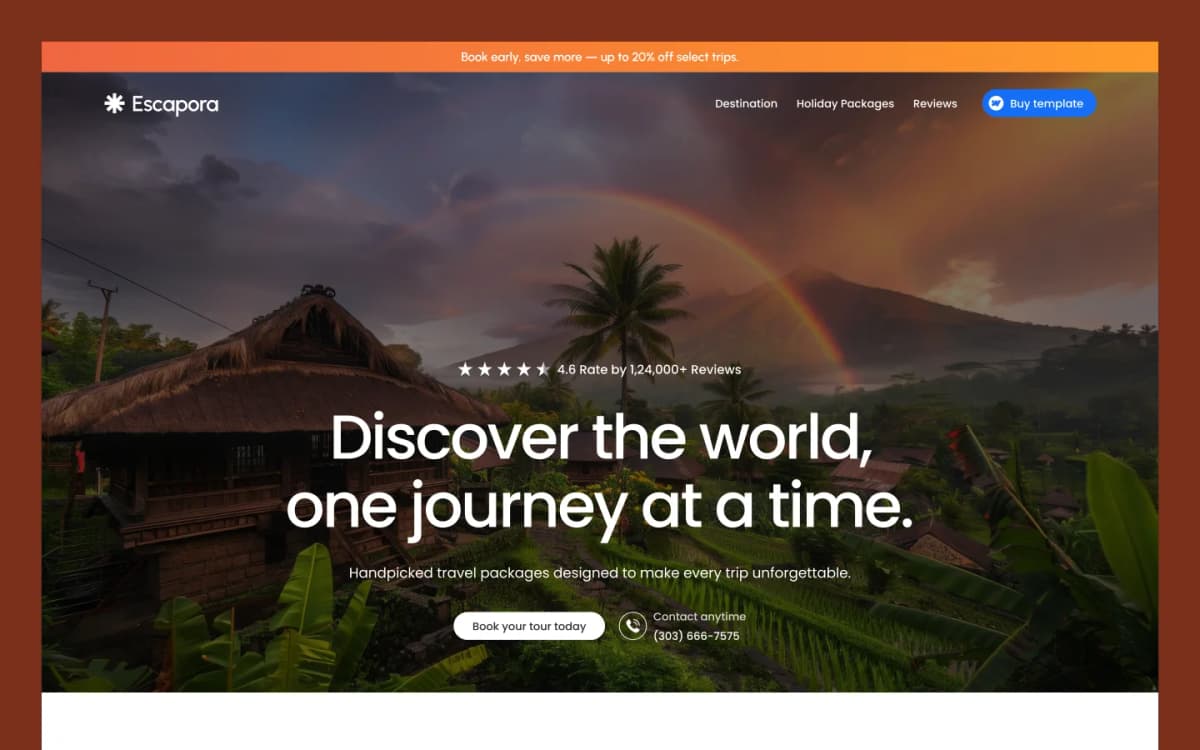
Creative Template

Discover high-quality templates for Webflow, Framer, HTML, and other leading website builders.
View Template

Frequently Asked Questions

Joomla to Webflow migration is the process of moving an existing Joomla website to Webflow. We rebuild your website in Webflow and migrate the required content, pages, images, and features.

Webflow provides a visual website editor and makes it easier to manage website content and design. Moving from Joomla to Webflow can also simplify website maintenance and give your team more control over everyday updates.

Yes. We can recreate your existing Joomla website design in Webflow or improve the design during the migration. We make sure the new website is responsive across desktop, tablet, and mobile devices.

Yes. We can migrate relevant Joomla content such as pages, articles, images, categories, and other website content into the new Webflow website or Webflow CMS where appropriate.

We follow SEO migration best practices to reduce the risk of traffic and ranking issues. This can include URL mapping, metadata migration, sitemap setup, and 301 redirects for changed URLs.

Yes. We map old Joomla URLs to their new Webflow URLs and set up 301 redirects where needed. This helps visitors and search engines find the correct new pages.

Yes. We can review your existing Joomla features and rebuild suitable functionality in Webflow. This may include forms, directories, navigation, animations, and other website features.

Yes. We can migrate suitable Joomla articles and blog content into Webflow CMS. We organize the content into CMS collections so your team can manage future posts more easily.

Yes. We build and test the migrated website for desktop, tablet, and mobile screen sizes to provide a consistent user experience across devices.

The timeline depends on the number of pages, content volume, website design, Joomla extensions, CMS requirements, and custom features. We review your website before providing an estimated timeline.

Yes. We can provide post-migration support and training to help your team manage and update the new Webflow website.

Yes. We can work with larger Joomla websites and plan the migration based on the site's pages, content, CMS structure, integrations, and custom functionality.
Contact Us

Need help with your site?

Your subscription could not be saved. Please try again.
Your subscription has been successful.