WEBFLOW MIGRATION

WordPress to Webflow: Say Goodbye to Plugin Headaches

Move your WordPress website to Webflow with Weblyflow. We migrate your design, content, CMS, and SEO settings for a fast, secure, and easy-to-manage website.

Why Businesses are Leaving WordPress

  • No More "Plugin Hell" In WordPress, you need a plugin for everything—SEO, forms, backups, and security. These plugins slow down your site and often break. In Webflow, these features are built-in. No updates, no breaking.
  • Faster Loading Speeds WordPress code can be "messy" and heavy. Webflow generates clean, professional code. This means your site loads faster, which makes your customers happy and helps you rank higher on Google.
  • Enterprise-Grade Security Because WordPress is so popular, it is a big target for hackers. Webflow’s "no-plugin" architecture and built-in SSL mean your site is much harder to hack. You don’t need a security plugin ever again.
  • Visual Editing You’ll Actually Love Instead of a confusing "Dashboard" or "Gutenberg" blocks, Webflow lets you edit your site right on the page. See a typo? Click it, fix it, and hit publish. It’s that simple.

Our Migration Guarantee

  • SEO Protection: We map out your 301 redirects so that your Google rankings don't drop when you switch.
  • Content Integrity: We move your entire blog history, images, and categories safely into the Webflow CMS.
  • Pixel-Perfect Design: We can either keep your current WordPress look or give you a fresh, modern redesign during the move.

Ready to simplify your life?

Stop fighting with WordPress and start enjoying your website. Let’s make the switch today.

Start Migration

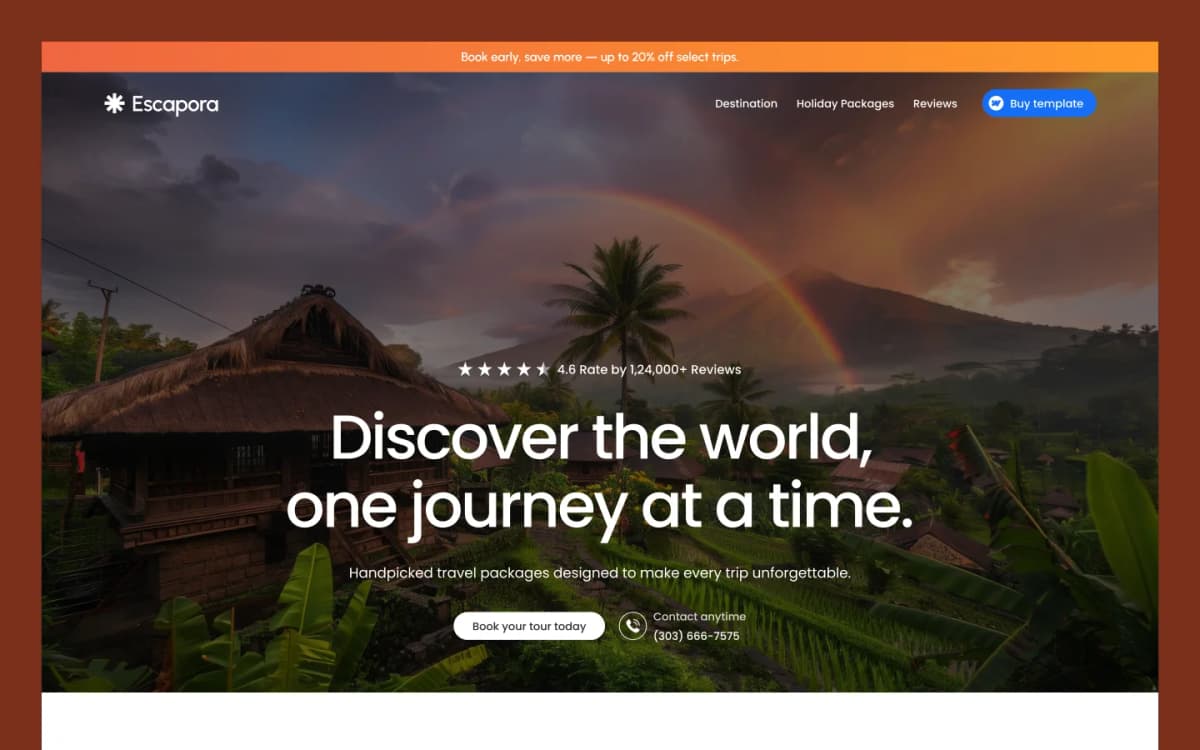
Creative Template

Discover high-quality templates for Webflow, Framer, HTML, and other leading website builders.
View Template

Frequently Asked Questions

WordPress to Webflow migration is the process of moving your website from WordPress to Webflow. This can include your website design, pages, blog posts, images, CMS content, and SEO settings.

Webflow can make website management simpler by reducing the need for plugins and regular plugin updates. It also provides visual editing, hosting, SSL, and CMS features in one platform.

Yes. We can recreate your existing WordPress design in Webflow or create a new modern design as part of the migration.

A properly planned migration can help protect your SEO. We set up 301 redirects, preserve important page URLs where possible, and check key SEO elements before launching the new Webflow website.

Yes. We can migrate your WordPress blog posts, authors, images, categories, and other content into the Webflow CMS.

We can keep the same URLs where possible. When a URL needs to change, we set up 301 redirects to help visitors and search engines reach the correct new page.

The time depends on the size and complexity of your website, the amount of content, and the design requirements. After reviewing your WordPress website, we can provide a clear migration timeline.

Yes. We can move your important images and media along with your website content and organize them for the new Webflow website.

Yes. If you want to keep your current website design, we can recreate the existing look and layout in Webflow while moving your content and website structure.

We test the website, links, forms, responsive layouts, CMS content, SEO settings, and redirects before launch. Once everything is ready, the new Webflow website can be published.
Contact Us

Need help with your site?

Your subscription could not be saved. Please try again.
Your subscription has been successful.